"My content ideas are all over the place."
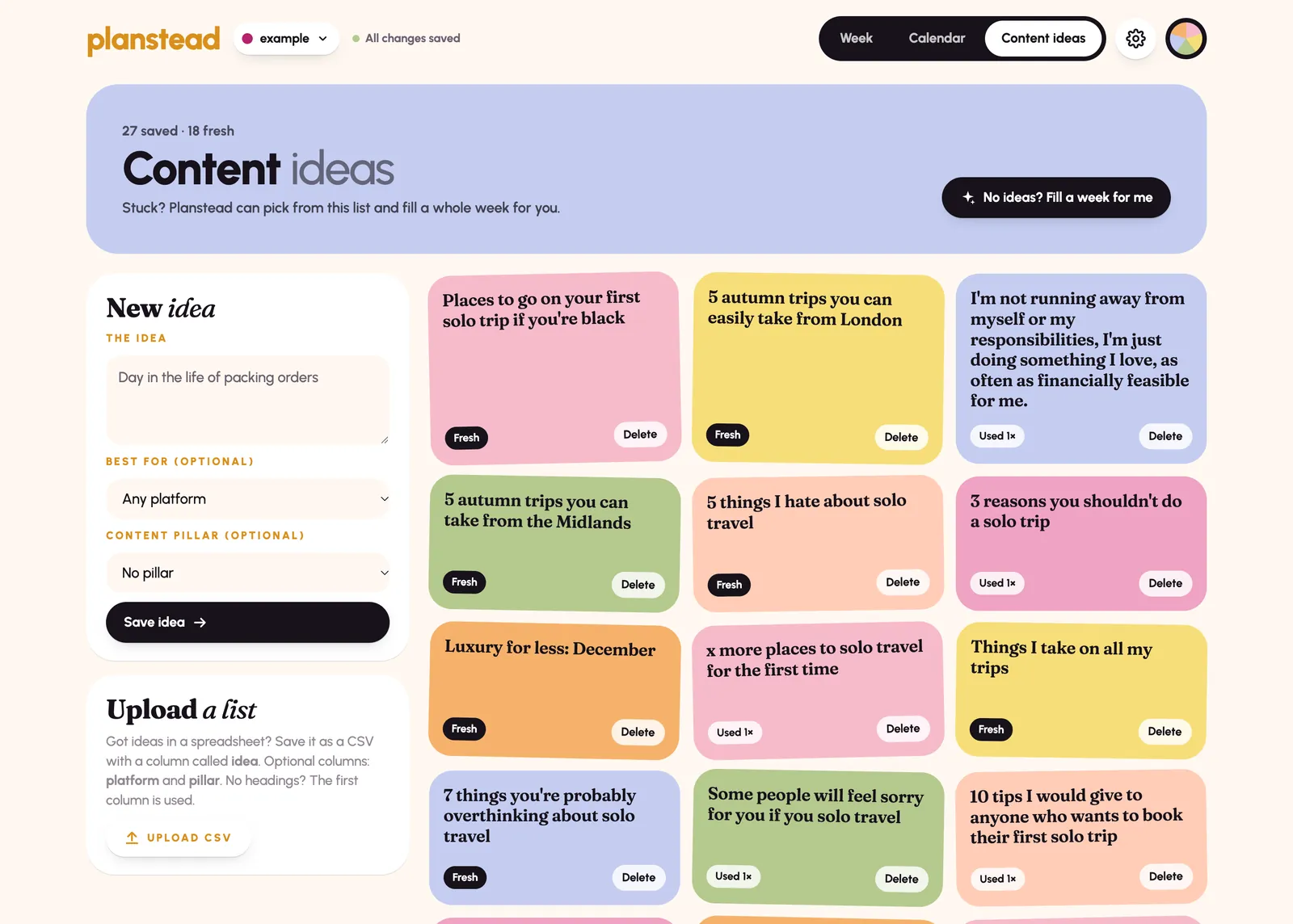
They're in your notes app. Your screenshots. Voice notes. A DM you sent yourself at midnight. Then planning day comes and you can't find them.
Planstead is the content planner you'll actually want to open. Your ideas live in one place, and your week is planned in one click.
One-time payment. Price increases on Monday, November 16 at 11:59pm EST.
Launch price ends in ...
They're in your notes app. Your screenshots. Voice notes. A DM you sent yourself at midnight. Then planning day comes and you can't find them.
Cue the blinking cursor in an empty box. Ten minutes of staring at the screen and you still have no good ideas.
And then a week goes by. Then two. Without a plan, posting comes down to your mood and your free time, and neither is very reliable.
Notion, spreadsheets and project-management apps can take hours to learn to use, they feel clunky and corporate, and they feel like more work. So you stop opening them.
What did I script? Film? Edit? Still waiting on the brand to approve it? You're keeping all of it in your head and it's making content creation harder than it needs to be.
None of this means you're bad at content. It means you just need a simpler way to plan (and a planner you'll actually want to open).
Meet Planstead
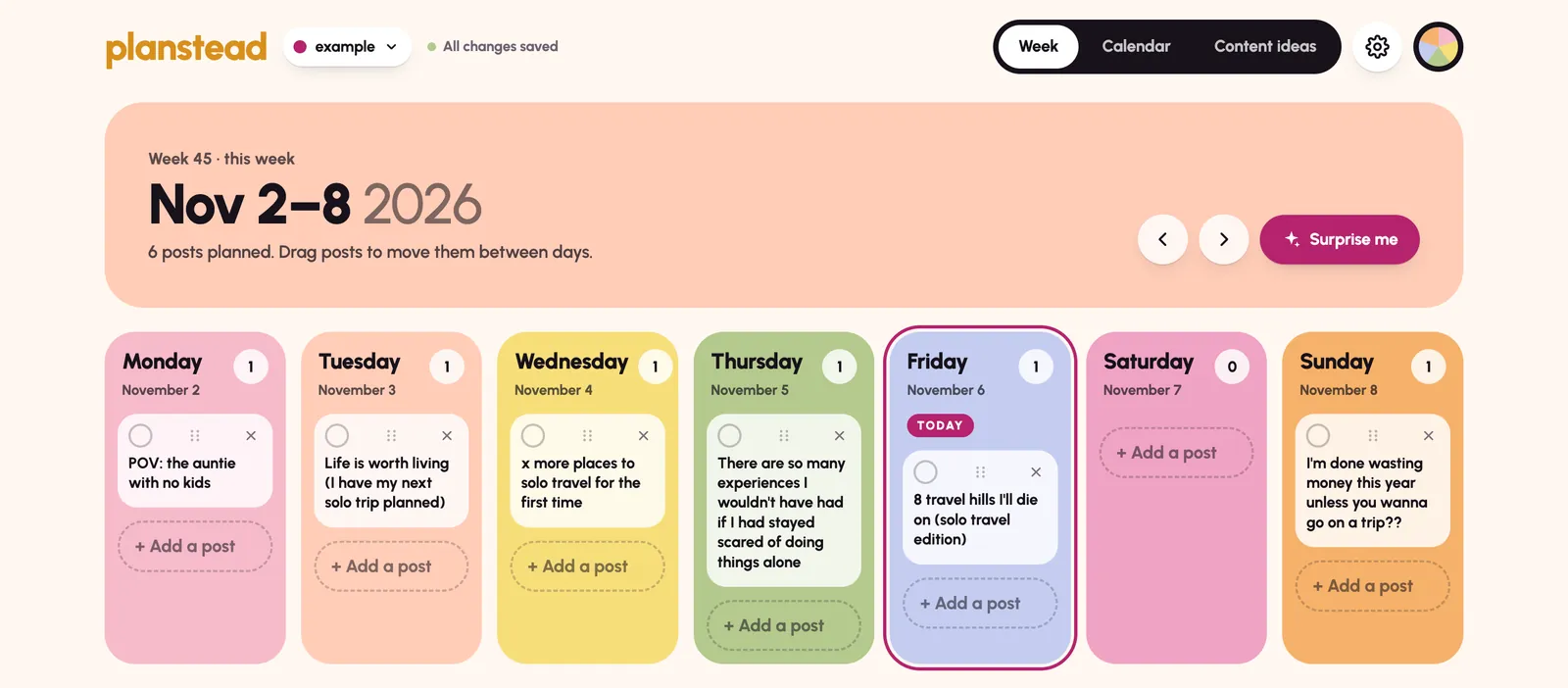
Planstead is one happy place where every idea can live, every week gets planned, and every post has a clear next step.
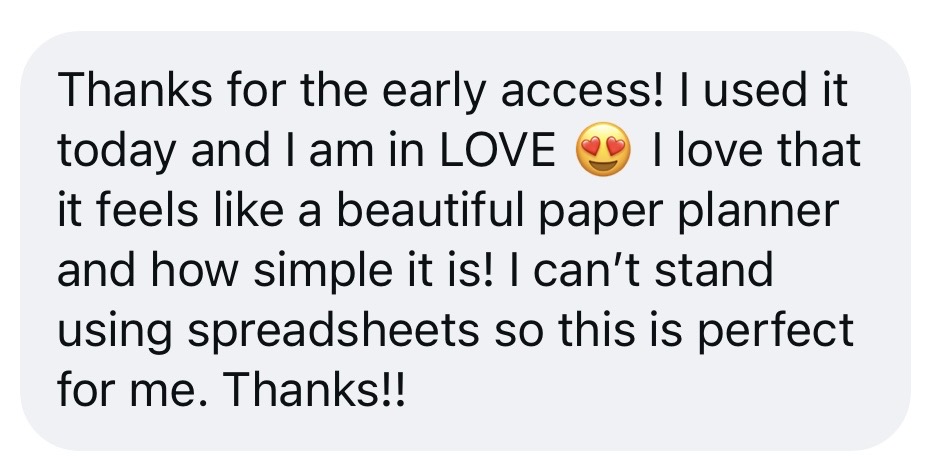
It feels like a cheerful paper planner, not a corporate project-management tool. Each day of the week gets its own colorful card. It's simple enough for even the LEAST tech-savvy creator to use, and fun enough that you'll actually want to open it.
It runs in your browser, so there's nothing to download and nothing to set up. Use it on your laptop, tablet or phone.
What you get
How it works
After you buy, you'll get a link and an access code. Open Planstead in your browser on your laptop, tablet or phone and enter the code once to access it.
Type in your ideas, or upload them all at once. Then add your content pillars, platforms, posting goal and weekly strategy. (Don't worry, Planstead includes a 10-minute walkthrough video that will show you how to set this up.)
Add ideas to your calendar, type new posts straight into a day, or tap 'Surprise Me' to plan your content for you. Then move each post across your status board as you script, film, edit and post.

Why I made this
I'm a content creator and educator at @neshawoolery, and I also run a travel account, @travelwithnesha_. So every week, I'm planning and creating content for more than one account.
And for a while, I dreaded it.
My ideas were scattered across my Notes app.
I tried using Notion for planning instead, but it just never stuck. It felt clunky, overcomplicated and honestly a bit boring.
Content planning was missing two things I really needed: fun and simplicity.
So I built the planner I wanted. A home for all my content ideas and plans. A digital planner that feels like a paper planner: cute, simple, and fun!
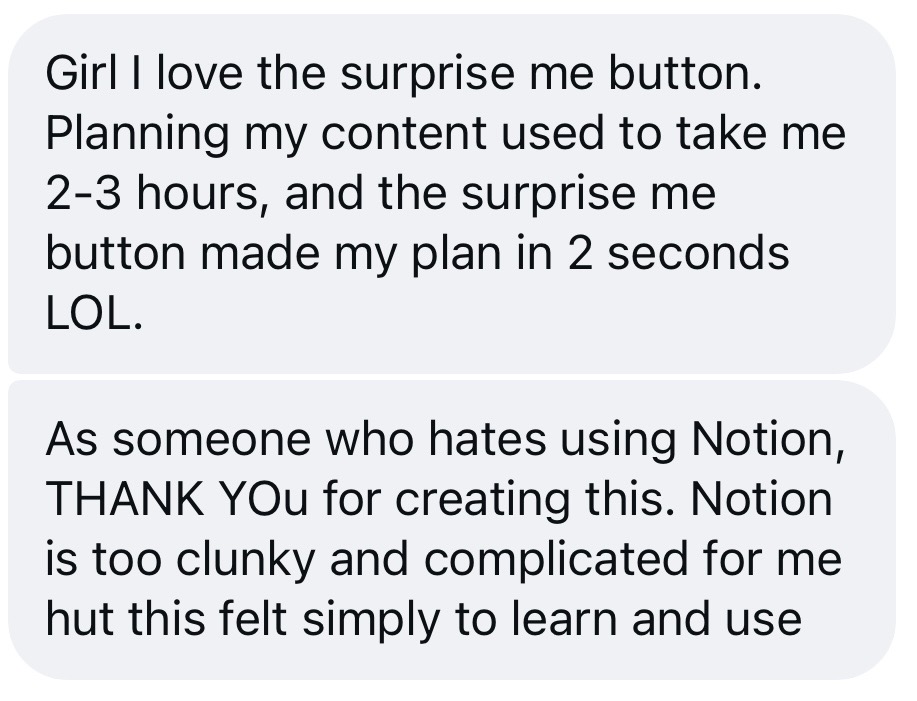
Now I use Planstead to plan my own content every week. And on the weeks I'm short on time, the Surprise Me feature fills my week from ideas I've already saved.
Now, I look forward to planning my content every week.
I made Planstead so you can feel that way too.
Nesha x
One-time payment. No subscription.
The earlybird price ends Monday, November 16 at 11:59pm EST. After that, the price goes up.
Ends in ...
What's included:
By completing this purchase, you agree to instant access and accept that your right to cancel ends once access begins. All sales are final and refunds aren't available. This doesn't affect your statutory rights.
Get Planstead for $49You'll get your access link and code straight after purchase.
No, you don't need any AI subscription to use this tool. It opens in your browser at planstead.app.
Not for launch buyers. You pay once and get lifetime access to the current version of Planstead. A bigger, expanded version is planned for the future as a separate monthly subscription. You won't need it to keep using your version, but if you'd like to subscribe so you can access more features, you'll be able to.
No. Planstead is a planner, not a scheduler. It doesn't post for you and doesn't connect to Instagram, TikTok or any other platform. You can mark posts as scheduled to keep track of what you've set up in your scheduling tool. (I personally schedule my content in the platforms themselves. E.g. Instagram, TikTok, YouTube.)
It's a web app. It runs in your browser at planstead.app, so there's nothing to download or install.
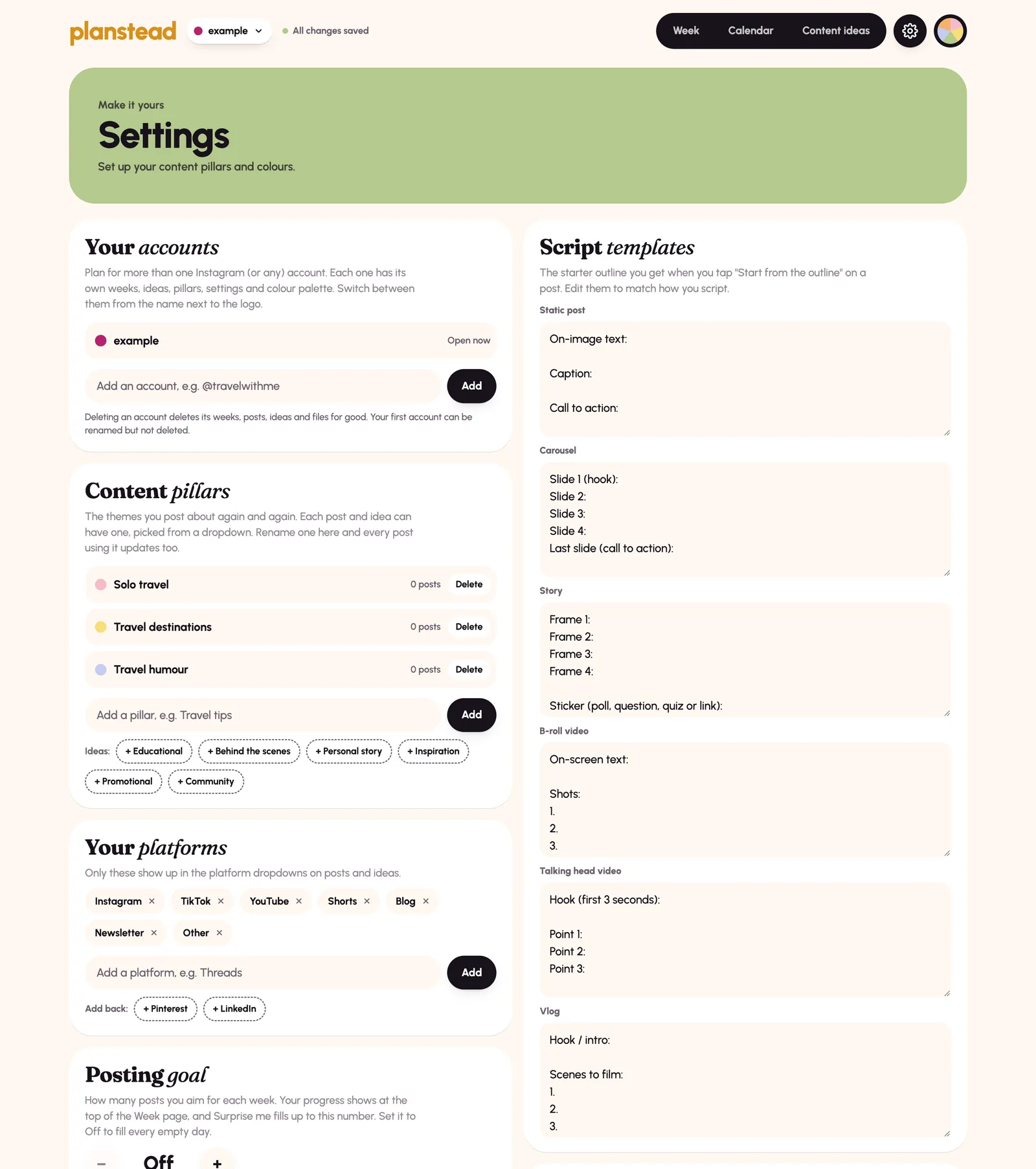
You can plan in Notion or a spreadsheet, but you have to build the system yourself first, and keep it going. Planstead is already built for content creators. Your week, calendar, ideas bank, post statuses and script templates are ready the moment you open it. Surprise Me fills your week from your own ideas in one click, following the content strategy you set up in Settings. And because it’s colourful and simple, it’s something you’ll actually want to open, not another template you abandon after a week.
Yes, but your plans don't sync between devices automatically. To move to another device or browser, download a backup from Settings and then restore it on the other device.
Yes. You can add multiple accounts, each with its own plans, ideas, settings and color palette. It's great for a main account and a niche account, or a business and a personal brand.
Yes. Upload a CSV file to import your ideas in bulk, or you can manually add individual ideas.
Yes, there is a 14-minute tutorial included that shows you how to use and set up Planstead. Your purchase also includes a CSV template to use for uploading your content ideas.
This part is really simple. And there’s a short lesson inside Planstead that shows you exactly what to do. Setting up your strategy takes five minutes.
Monday, November 16 at 11:59pm EST. After that, the price goes up.
Because you get instant access to Planstead, refunds aren't available. This doesn't affect your statutory rights. You can read the full terms here.
Email support@neshawoolery.com and we'll help you out.
Imagine actually looking forward to planning your content, because it's now fun and simple.
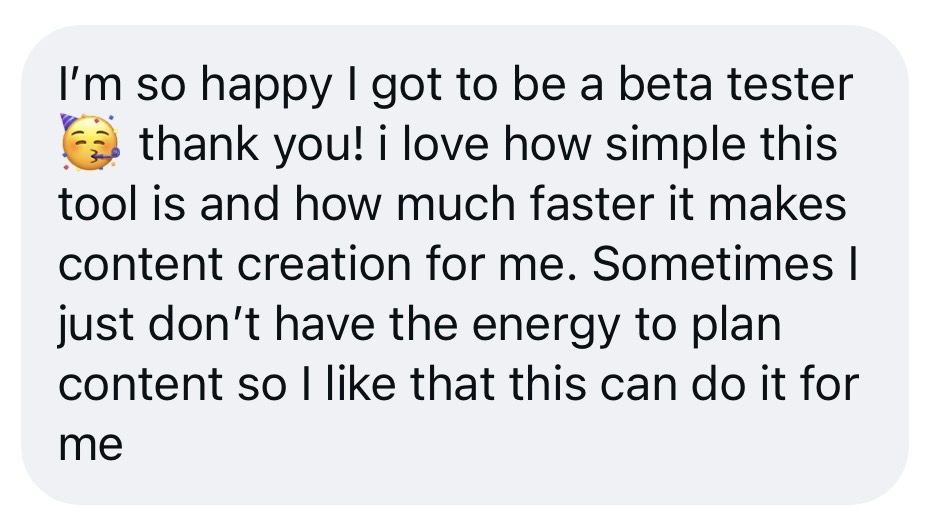
Imagine being able to click a button and your entire week of content is planned for you, in seconds.
That's what planning looks like with Planstead. Simple, fun, and finally something you'll keep using.
Get it for $49 before the price goes up on Monday, November 16 at 11:59pm EST.
Get it nowBy completing this purchase, you agree to instant access and accept that your right to cancel ends once access begins. All sales are final and refunds aren't available. This doesn't affect your statutory rights.